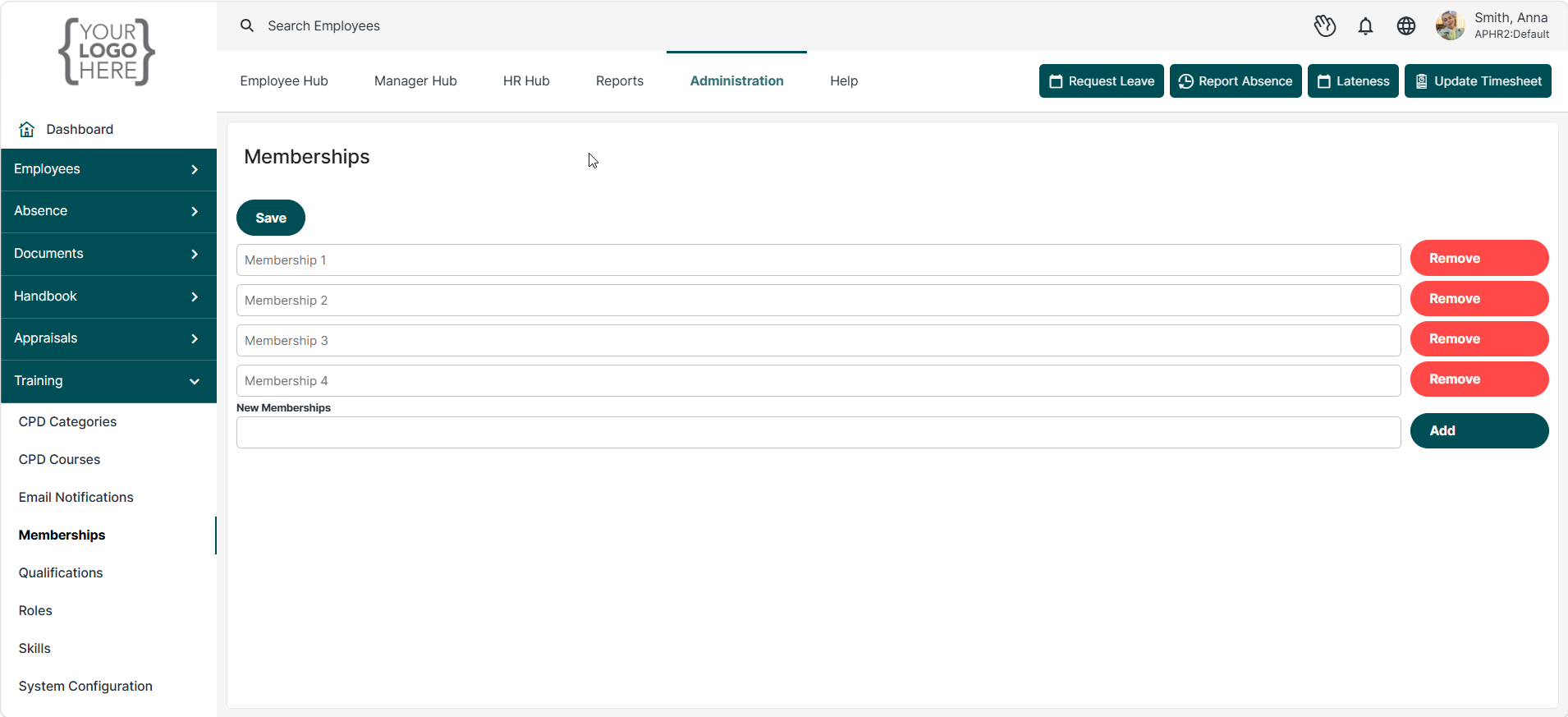
Memberships allow you to create a list of professional bodies, associations, and industry memberships that can be assigned to employee training profiles. This helps organisations record and track professional affiliations, memberships, and accreditations held by employees.
To create a membership, enter the membership name in the New Memberships field and click Add. Select Save to store your changes.
Example: Professional Workforce Development Member (PWDM)
Once saved, memberships become available for selection within employee training records and profiles.
Was this article helpful?
That’s Great!
Thank you for your feedback
Sorry! We couldn't be helpful
Thank you for your feedback
Feedback sent
We appreciate your effort and will try to fix the article